
Menu Editor
Loading latest menu…
🖥️
▼
Display Options
Customise what's visible in the app
Table Occupancy View
Shows a live floor map of all 12 tables in Orders tab
👥
▼
Staff Manager
Add and manage staff members
Add New Staff
Team Members
No staff added yet
📊
▼
Monthly Report
Download P&L passbook as PDF
All orders, expenses, and net P&L for the month — formatted like a bank passbook.
📋
▶
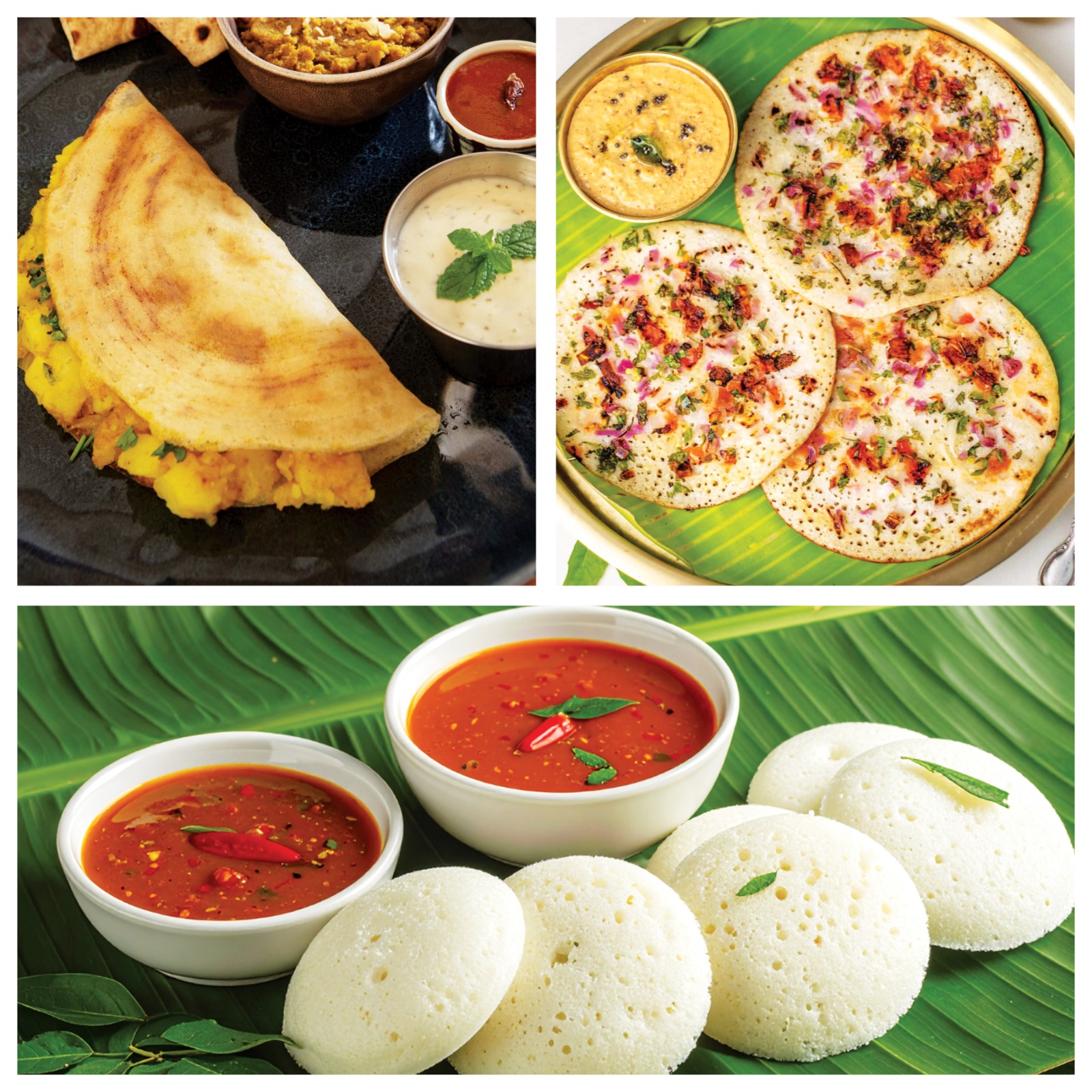
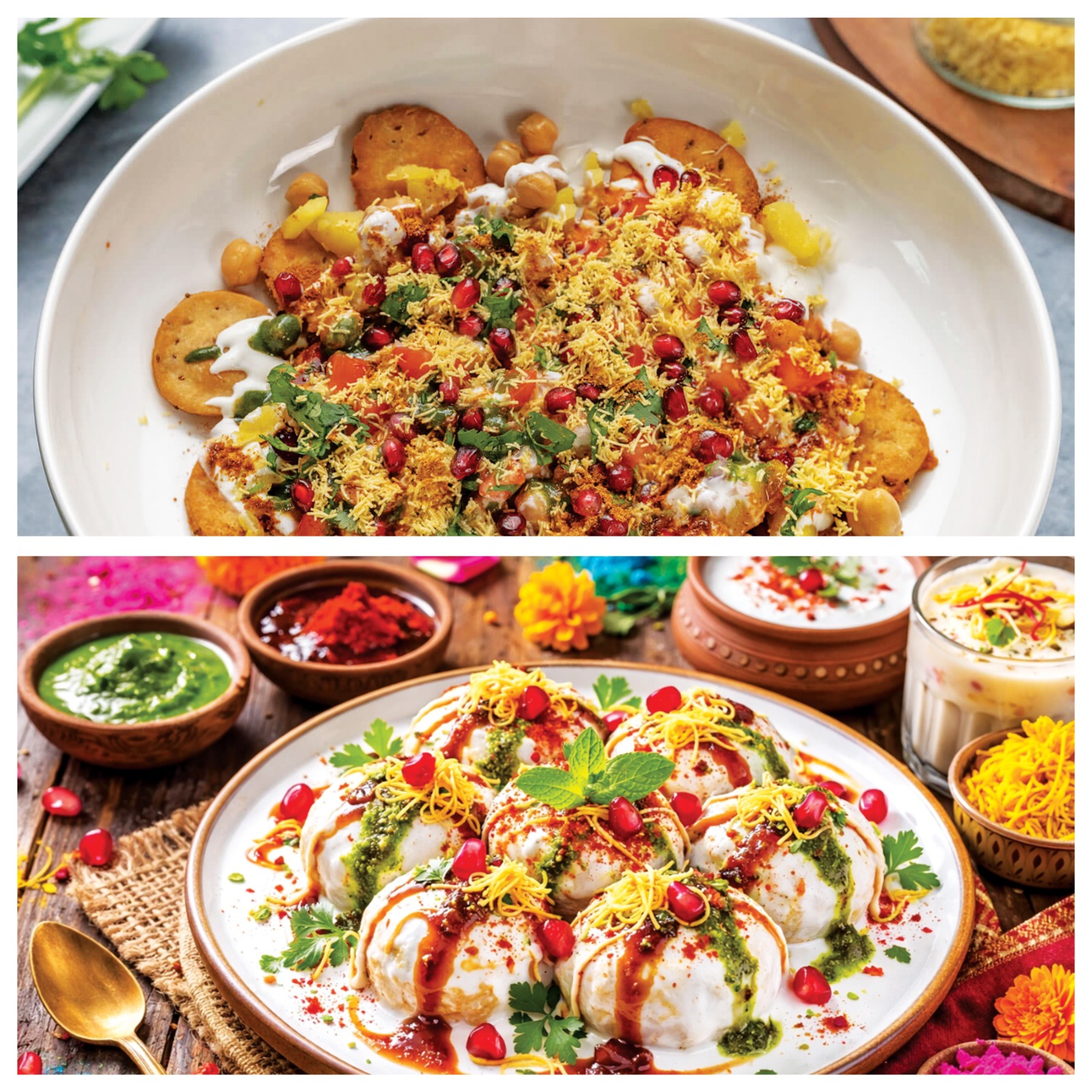
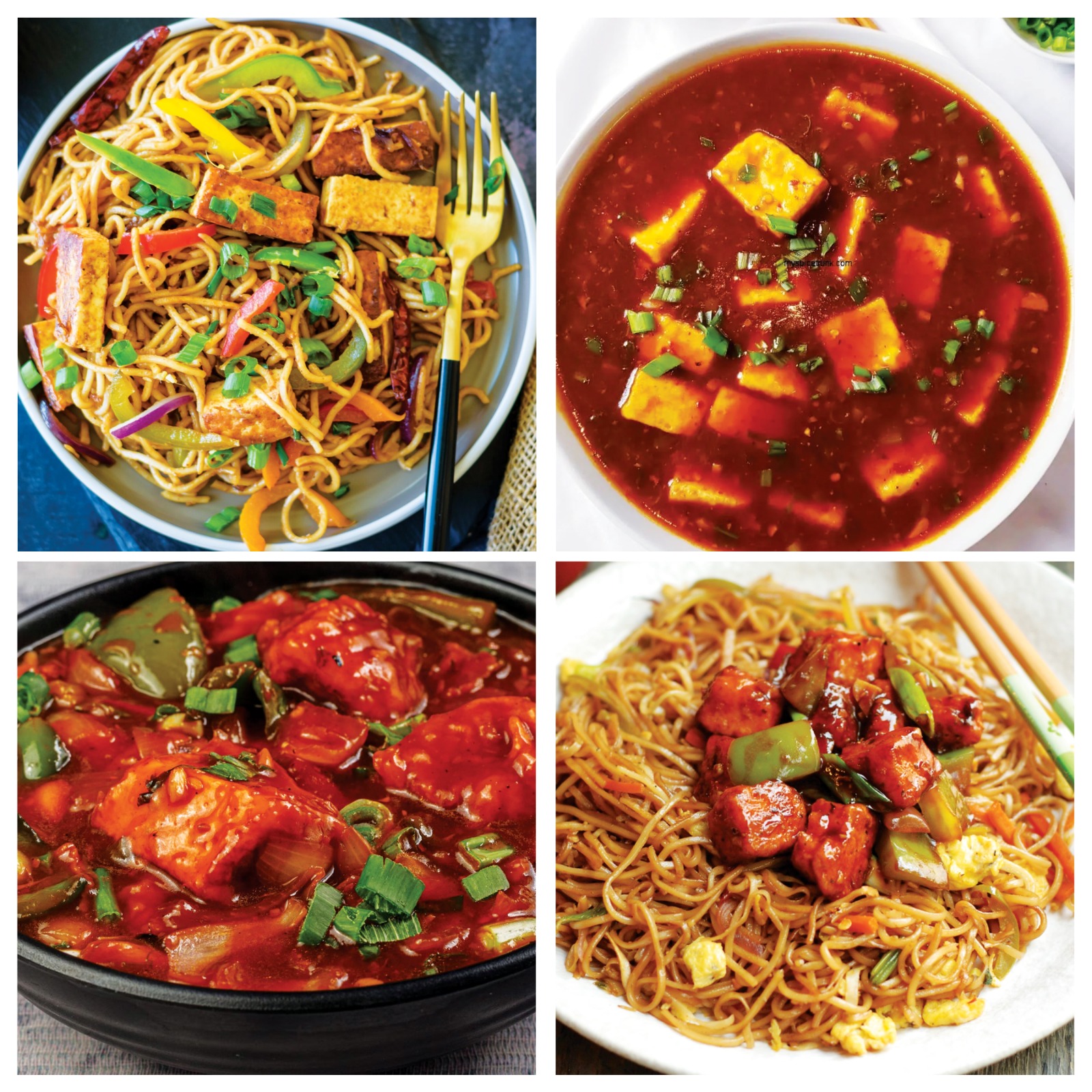
Menu Editor
Add, edit and organise your menu
🔍
Customer View Preview
QR Code
Place on every table for instant menu access.
anytime.vyasaa.com
Today
—
sessions
This Week
—
sessions
Daily Avg
—
per day
Unique Devices
—
today
Ordered Online
—
of visitors today
Last 14 days
Each bar = sessions · dot = unique devices
Loading…
💡 Sessions = browser opens. Unique Devices = physical devices (tracked via persistent ID). Ordered Online = % of today's unique devices who placed an order from the website.
From
To
💰
Revenue
—
📋
Orders
—
📊
Avg Order
—
per order
🍽️
Items Sold
—
total qty
Revenue by Day
Loading…
Order Type
Loading…
Payment Split
Loading…
Top Items
Loading…
💰
Revenue
—
collected
💸
Expenses
—
total spend
📈
Net Profit
—
revenue − exp
⏱️
Avg TAT
—
kitchen speed
Kitchen Speed (TAT)
Loading…
By Dish
avg time when dish present · vs baseline
Dish
Avg
vs Base
Orders
Peak Hours
Loading…
Top Dishes
Loading…
Order Type
Loading…
Business Insights
Loading…
Stock Alerts
🖨️
Printer: not connected
Today
—
orders
Revenue
₹—
Avg TAT
—
Fastest
—
Slowest
—
Loading orders…
Add Expense
From
To
Expenses
₹0
No expenses recorded
By Category
Net Revenue (after expenses)
₹—
Gross — Expenses
Add Stock Item
⚠️ Low Stock Alert
Stock List
No items added yet
Indent Frequency
Loading…